Steam Demo / Shipboard reference
Hull Rupture
Wiki & Guide
Make room for the next module.
Keep the factory running.
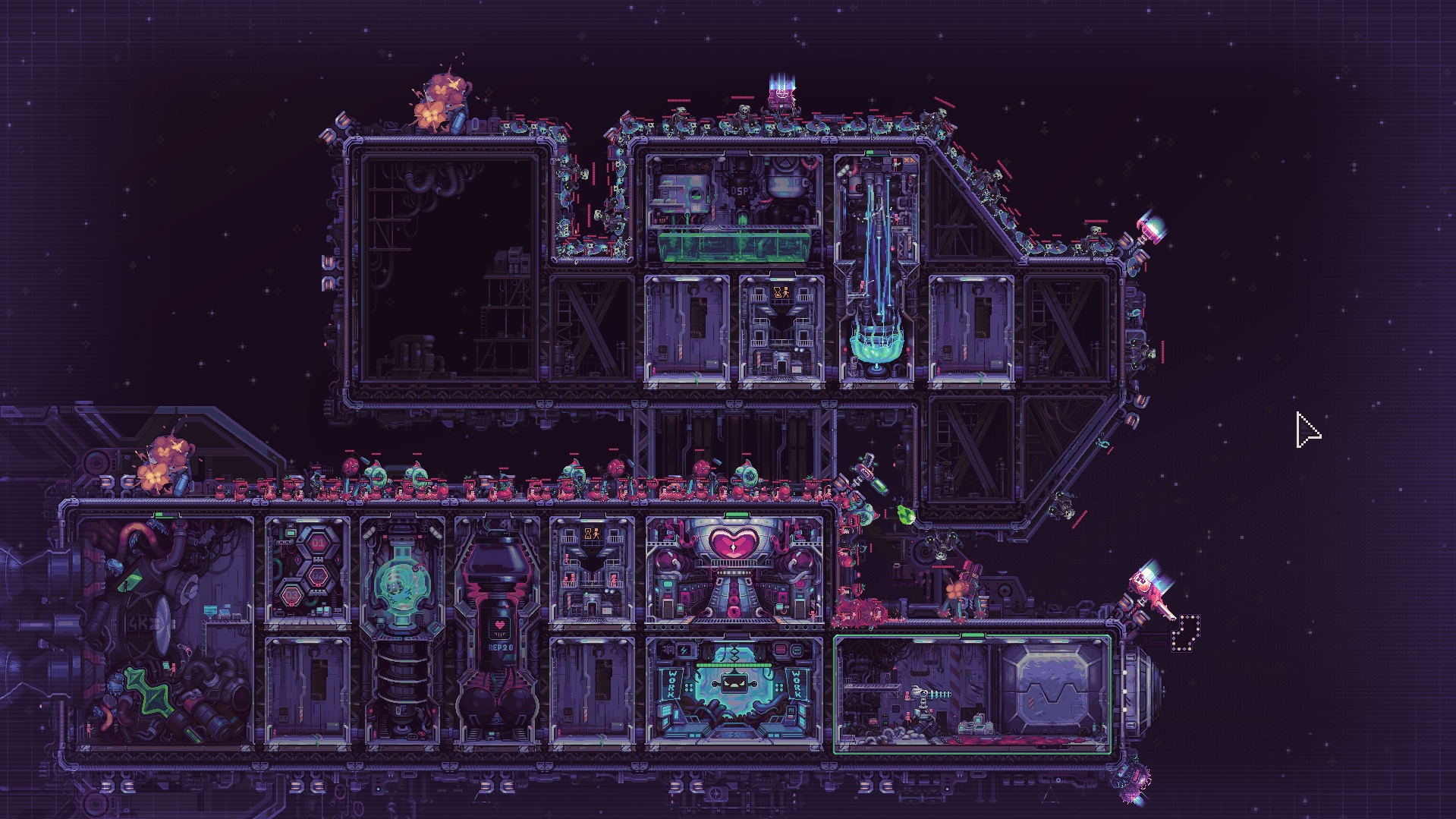
Give the aliens a longer way in.
Updated 2026-10-30 · Steam Demo · September–October 2026
Start with your next problem
Search the wiki →01Getting StartedBalance production, workers and turrets before each wave. Expand only for a usable kit and protect the route before enemies reach the Airlock.02Hull ConstructionEnter Hull Construction during flight. Place hull blocks without rotation, keep the Airlock and Engine clear, and build next to a finished module.03Move TurretsOpen the turret’s ? panel, choose the four-arrow move button, then place it elsewhere. Moving is free; demolition refunds resources, not the kit.04ProductionUse Info Mode for current per-minute production. Check inputs, available workers and energy before adding modules; enable Auto on converters when needed.05Module KitsBuy themed post-battle boxes or staff the Despot’s Chamber for free random kits. Patch v0.10.12 favors unseen kits but does not guarantee one.06Demo ChangesExpand during flight, buy themed boxes and move turrets through the ? menu. Re-enable the tutorial in General settings for the new construction step.
Returning to the Demo?
Your old Shipyard plan needs an update.
The September update introduced Hull Construction during flight, themed shop boxes and movable turrets. The guides here follow that Demo, with October’s construction details.
The announced full release is November 4, 2026. Demo mechanics may change at launch.
Understand the systems
Ship LayoutCompare compact module adjacency with a longer enemy route, then match turret range to open corners or enclosed gaps. Illustrated with official ship layouts.Demo ChangesCompare the September 14 overhaul, September 25 v0.10.12 patch and October 22 hull rules. Check current Demo mechanics against older Shipyard advice.Post-Battle ShopChoose module or turret boxes, read the current offer price and understand kit selection, selling and the v0.10.12 randomization rules.